


ターミナルがダサいとモテない。chezmoi scriptでアップデート管理を楽にしよう!

chezmoi scriptはとっても便利
chezmoi には scripts という機構があり、 chezmoi apply 時にscriptを動作させることができます。
今日はこれを紹介して行きます。
ちょっとややこしいのと理解しにくいので、まずはざっと仕様面を
.chezmoiscripts
chezmoi source-path の配下に配置するディレクトリです。
自分の場合は特にtarget stateに必要性を感じていないのでここにscriptを配置しています。
特に深く考えず.chezmoiscriptsの下に置いて良いと思います。
chezmoi scriptの命名規則
chezmoi scriptには命名規則があります。
chezmoi scriptには命名規則の前に、通常のファイル更新に関わる命名規則を理解しておく必要があるため簡単に説明します。
dot_通常の.bashrcといったファイルを表現するのにこちらを使います。 例えば、.bashrcの場合dot_bashrcと表現します。 パーミッションはファイルの場合644、ディレクトリの場合755になります。private_dot_ファイルの命名規則としては、dot_と同じですが生成されるファイルのパーミッションが異なります。 ファイルの場合600、ディレクトリの場合は700になります。
上記以外に executable_ , symlink_ などたくさんあります。
Source state attributesを確認してください。
ここからが、chezmoi scriptには命名規則です。
run_ファイル名のprefixには必ずこれをつける必要があります。 このファイルはchezmoi apply時に毎回実行されます。run_onchange_このprefixをつけると、前回正常に実行されてから内容に変化がある場合にのみ実行されます。 つまり前回正常に実行されなかった場合も実行されます。 前回の実行履歴がない場合も実行されます。run_once_このprefixをつけると、最初に1度だけ実行され成功すれば、script内容が変わらない限り実行されません。
run_onchange_ , run_once_ は実行履歴の管理をされているため、その履歴を消して再度実行することも可能です。これは後ほど説明します。
上記とは別で、更に組み合わせられる命名規則があります。
before_chezmoi applyでdot_/private_dot_などのファイル更新やtemplatesによるファイル更新処理がされる前に実行されます。after_chezmoi applyの後ろで実行されます。
組み合わせると以下のような形になります。
run_[onchange_|once_][before_|after_][script name][ext name][.tmpl]
onceafter- install-uv
- 拡張子は
.sh - chezmoi templates なら
.tmpl
上記の場合、 run_once_after_install-uv.sh.tmpl というファイル名になります。
若干ややこしいですが、大丈夫です。慣れます🤣
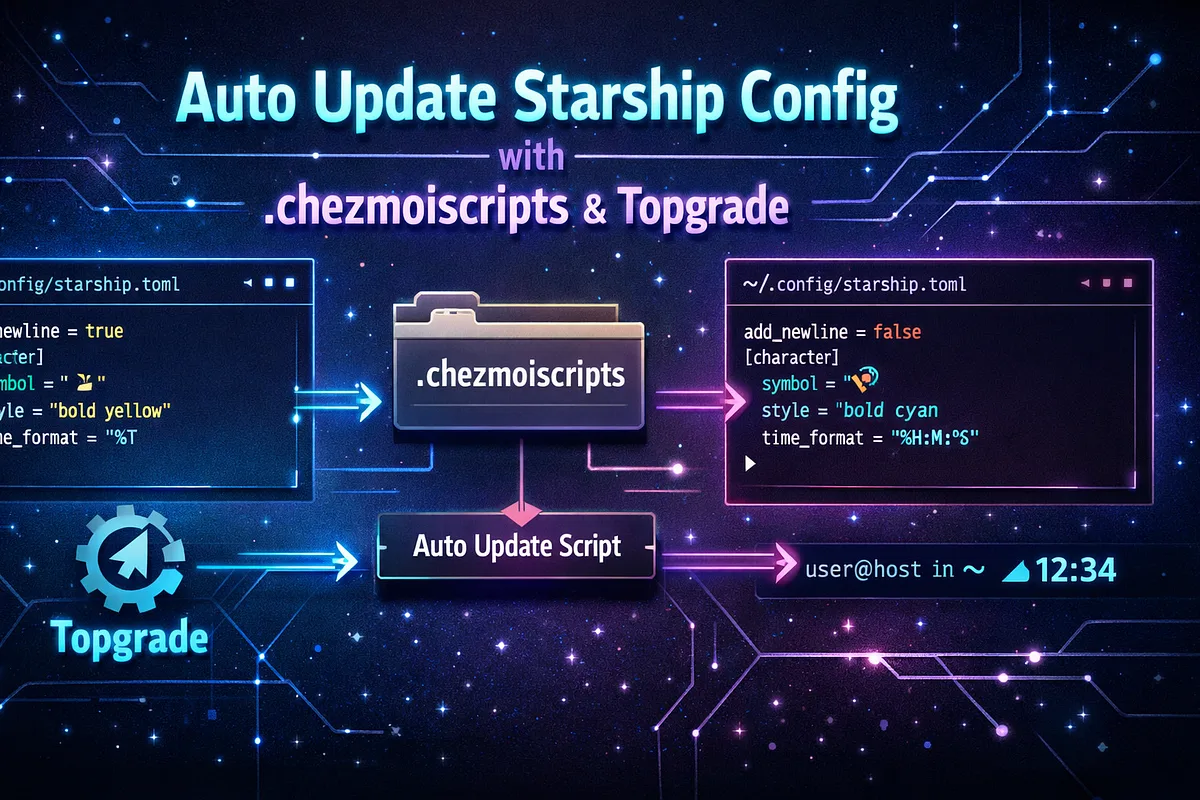
starshipがupdateされたらconfigを最新にしつつ、自分の設定を適応するchezmoi script
急激にややこしいセクション名になりましたが・・・
書いてある通りです😂
starship はupdateがそこそこ盛んで、configもけっこう変わります。
またconfigに外部ファイルを取り込む機能がありません。
なのでしばらくするとすごく古いconfigで starship を動かしてることになります。
自分はこれが嫌なので、yadm のときから対応していました。
以下の2種類のsub commandで実現できます。
starship で新しいconfigを出力する方法
starship print-config --defaultstarship でconfigを設定する方法
starship config [parameter]これを使うことで対応できます。別のmediumの記事を書いているのでstarship のconfigにおける細かい話は、そちらを参照してください。
ターミナルがダサいとモテない。starshipのプロンプトをconfigサブコマンドで設定する編
starship configを使ってstarshipの更新に追従できるようにする。
medium.com
.chezmoiscripts/run_onchange_starship-generate-config.sh.tmpl
自分のは dracula theme を反映済みですが、買ったやつなので公開はできません🤣
#!/usr/bin/env bash
set -euo pipefail
info() { printf '%s\n' "chezmoi: starship: $*"; }
# Template-resolved path/hash so the script content changes when starship updates.
starship_path='{{ lookPath "starship" }}'
starship_hash='{{ if (lookPath "starship") }}{{ if (lookPath "shasum") }}{{ output "shasum" "-a" "256" (lookPath "starship") | trim | splitList " " | first }}{{ else if (lookPath "sha256sum") }}{{ output "sha256sum" (lookPath "starship") | trim | splitList " " | first }}{{ end }}{{ end }}'
# XDG
: "${XDG_CONFIG_HOME:=${HOME}/.config}"
config="${XDG_CONFIG_HOME}/starship.toml"
# Guard
if [[ -z "${starship_path}" ]]; then
info "starship not found; skip."
exit 0
fi
info "detected hash ${starship_hash:-unknown}"
starship() { "${starship_path}" "$@"; }
mkdir -p "${XDG_CONFIG_HOME}"
info "generate default config -> ${config}"
starship print-config --default >"${config}"
info "set flags"
starship config aws.disabled true
starship config gcloud.disabled true
starship config username.show_always true
starship config hostname.ssh_only false
starship config status.disabled false
starship config os.disabled false
starship config memory_usage.disabled false
starship config direnv.disabled false
info "powerline format + modules"
starship config username.format "[🧑💻 \$user ](\$style)"
starship config username.style_root "bold fg:foreground bg:red"
starship config username.style_user "fg:foreground bg:red"
starship config os.format "[\$symbol](\$style)"
starship config os.style "bold fg:foreground bg:magenta"
starship config hostname.format "[\$ssh_symbol\$hostname ](\$style)"
starship config hostname.style "fg:foreground bg:magenta"
starship config memory_usage.threshold 0
starship config memory_usage.format "[\$symbol \$ram_pct(/\$swap_pct) ](\$style)"
starship config memory_usage.symbol '🧛'
starship config memory_usage.style "fg:foreground bg:purple"
starship config time.format "[🕒 \$time ](\$style)"
starship config time.style "fg:foreground bg:dim_blue"
starship config time.time_format '%F %T'
starship config time.disabled false
starship config directory.truncation_length 10
starship config directory.truncate_to_repo false
starship config directory.format "[\$read_only](\$read_only_style)[\$path ](\$style)"
starship config directory.repo_root_format "[\$read_only](\$read_only_style)[\$before_root_path](\$before_repo_root_style)[\$repo_root](\$repo_root_style)[\$path ](\$style)"
starship config directory.style "fg:foreground bg:comment"
starship config directory.read_only_style "fg:foreground bg:comment"
starship config directory.truncation_symbol '.../'
starship config cmd_duration.format "[⏰ \$duration ](\$style)"
starship config cmd_duration.style "fg:background bg:cyan"
starship config cmd_duration.show_milliseconds true
format="[░▒▓](fg:red bg:none)\$username[ ](fg:red bg:magenta)\$os\$hostname[ ](fg:magenta bg:purple)\$memory_usage[ ](fg:purple bg:dim_blue)\$time[ ](fg:dim_blue bg:comment)\$directory[ ](fg:comment bg:cyan)\$cmd_duration[ ](fg:cyan bg:none)\$all"
starship config format """${format}"""
info "done."これを配置することで、starship がupdateすると検知して新しくconfigを再生成してくれます。
自分の場合はcargoで starship をインストールしてます。
update管理は、 topgrade でやっているので topgrade がcargo updateを発行しupdateされます。
上記は例なので、なにかセクションに設定を加えたい場合は上記を参考にカスタマイズしてください。
前回の chezmoi のmediumから更に一歩前進しました!
ターミナルがダサいとモテない。dotfiles managerをyadmからchezmoiに変えたぜ。
dotfiles managerをyadmからchezmoiに移行したので比較と感想を
medium.com
もう一度言いますが、 chezmoi 気に入ったぞ!
ターミナル環境について他の記事も書いているので、よろしければこちらもご覧ください!
『ターミナルがダサいとモテない』シリーズ一覧
転載:ターミナルがダサいとモテない。chezmoi scriptでアップデート管理を楽にしよう!
この記事は Medium(@yusuke_h) からの転載です。
この記事を書いた人