


Google Cloud StorageのWebsite Logging設定!

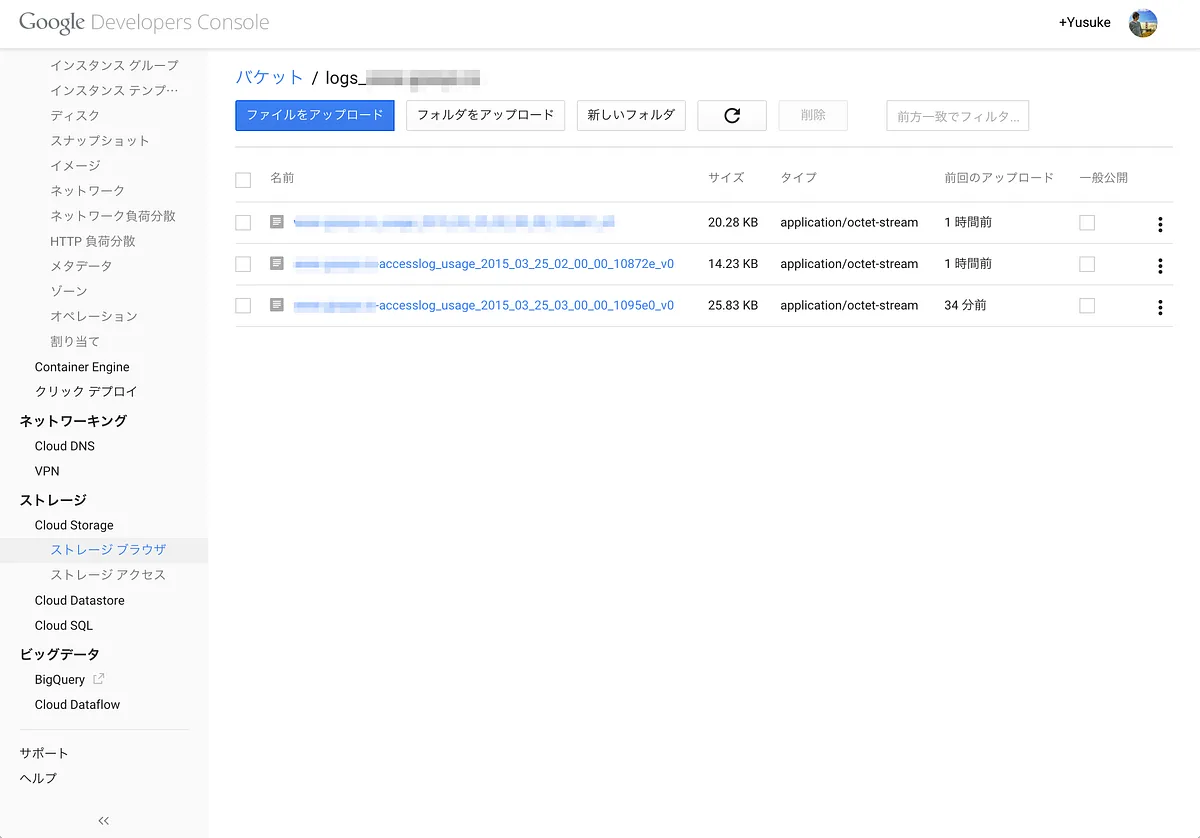
以前やったGoogle Cloud Storageで静的Webサイトを公開する!でちょっとLogging設定やってみたので!
Access Logs & Storage Data
Google Cloud Storage offers access logs and storage data in the form of CSV files that you can download and view…
cloud.google.com
まずはCloud StorageでWebsite設定!
gsutil mb -c STANDARD -l ASIA gs://xxx.xxxx.com
gsutil defacl set public-read gs://xxx.xxxx.com
gsutil web set -m index.html -e error.html gs://xxx.xxxx.com
そしたらLogging設定!
せっかくなので先日と同じでNEARLINEで作りました。
gsutil mb -c NEARLINE -l ASIA gs://logs_xxx_xxxx_com
gsutil acl ch -g cloud-storage-analytics@google.com:W gs://logs_xxx_xxxx_com
gsutil defacl set project-private gs://logs_xxx_xxxx_com
gsutil logging set on -b gs://logs_xxx_xxxx_com -o xxx.xxxx.com-accesslog gs://xxx.xxxx.com
設定確認
gsutil logging get gs://xxx.xxxx.comしばらく待つと出力されます。
こんなFormatみたい
1行目にcolumn名のheaderついてる
- time_micros
- c_ip
- c_ip_type
- c_ip_region
- cs_method
- cs_uri
- sc_status
- cs_bytes
- sc_bytes
- time_taken_micros
- cs_host
- cs_referer
- cs_user_agent
- s_request_id
- cs_operation
- cs_bucket
- cs_object
感想!
簡単にできる!
でもBigQueryに入れてごにょごにょするのが楽しいかな・・・
Access Logs & Storage Data
Google Cloud Storage offers access logs and storage data in the form of CSV files that you can download and view…
cloud.google.com
転載:Google Cloud StorageのWebsite Logging設定!
この記事は Medium(@yusuke_h) からの転載です。
この記事を書いた人